Loop Pocket is Loop's mobile app for iPhone, iPad and Android. It's built for the time you spend away from your desk. You can check your diary, get to viewings and appraisals, look up a property or a contact, and record what happened while it's fresh.
Pocket uses the same data as Loop. Anything you add in Pocket appears in Loop, and anything added in Loop appears in Pocket. There's nothing to sync.
What you need
- A Loop user account. You sign in to Pocket with your Loop details.
- An iPhone, iPad or Android phone.
- A mobile data or Wi-Fi connection. Pocket doesn't work offline.
Installing the app
- Open the App Store (iPhone and iPad) or Google Play (Android).
- Search for Loop Pocket and install it.
- Find the app on your home screen. It's labelled Loop on iPhone and Loop Pocket on Android.
Signing in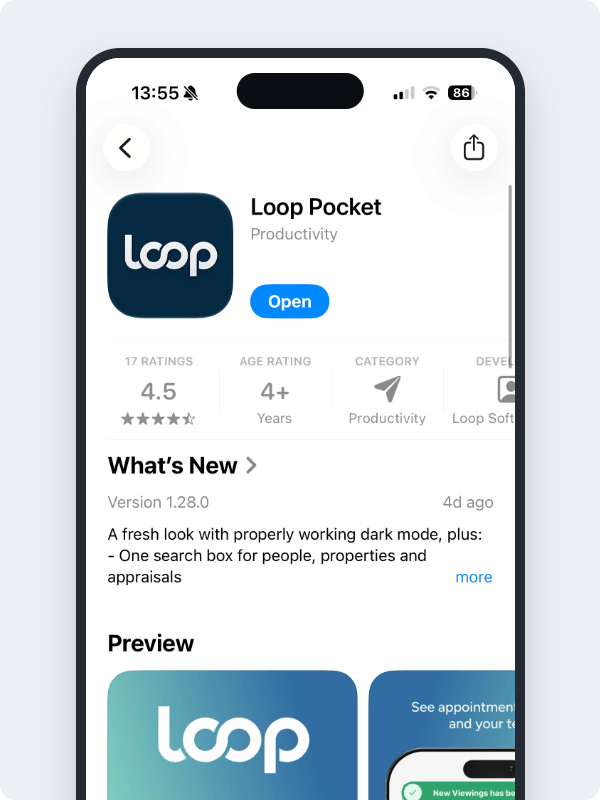
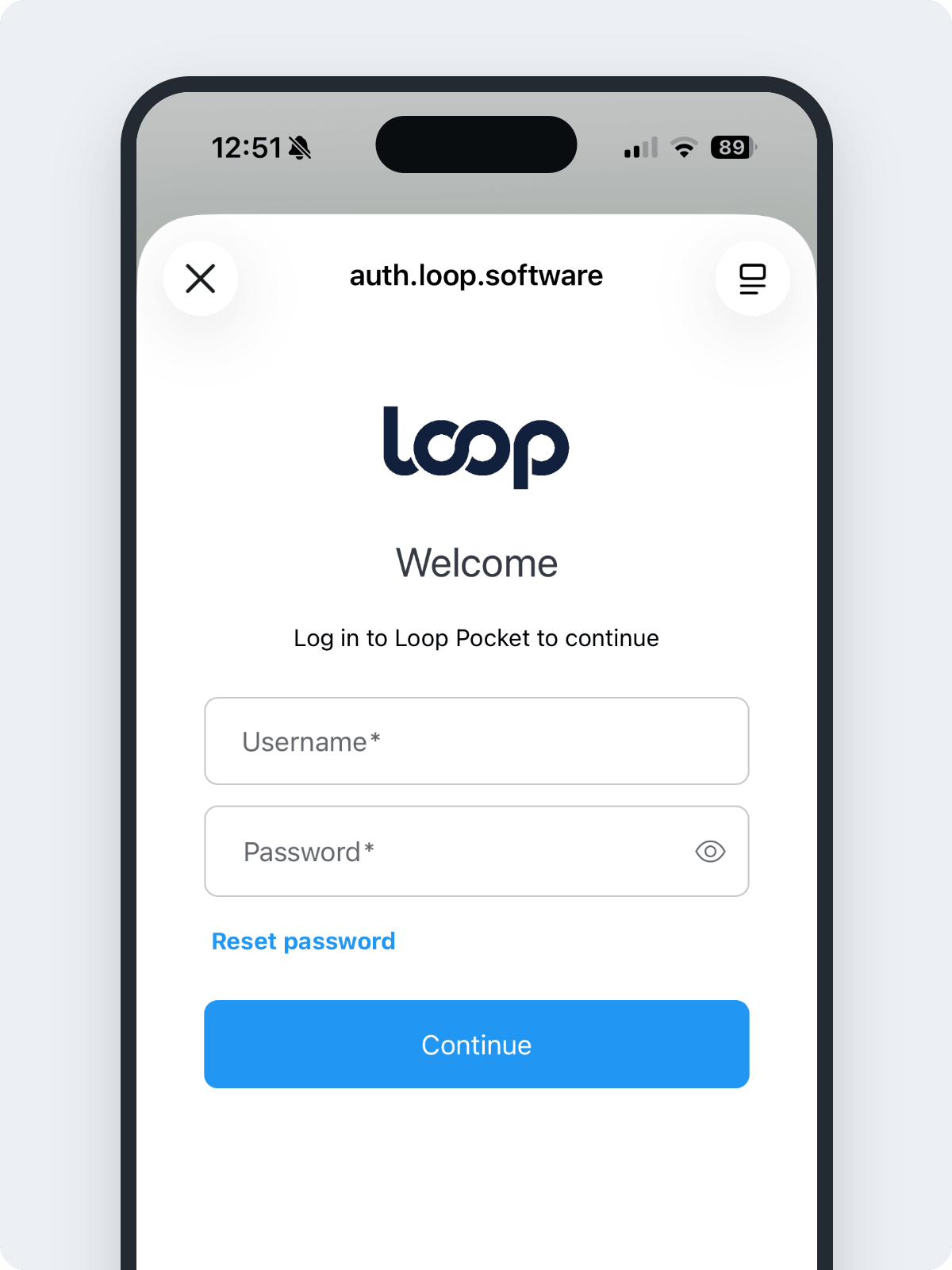
Open the app and tap Sign In. For more, see Signing in and out of Loop Pocket.
The first time your diary loads, your phone asks whether Pocket can send you notifications. Tap Allow if you want alerts about new enquiries and cancelled viewings. You can choose which alerts you get later. See Notifications in Loop Pocket.
Finding your way around
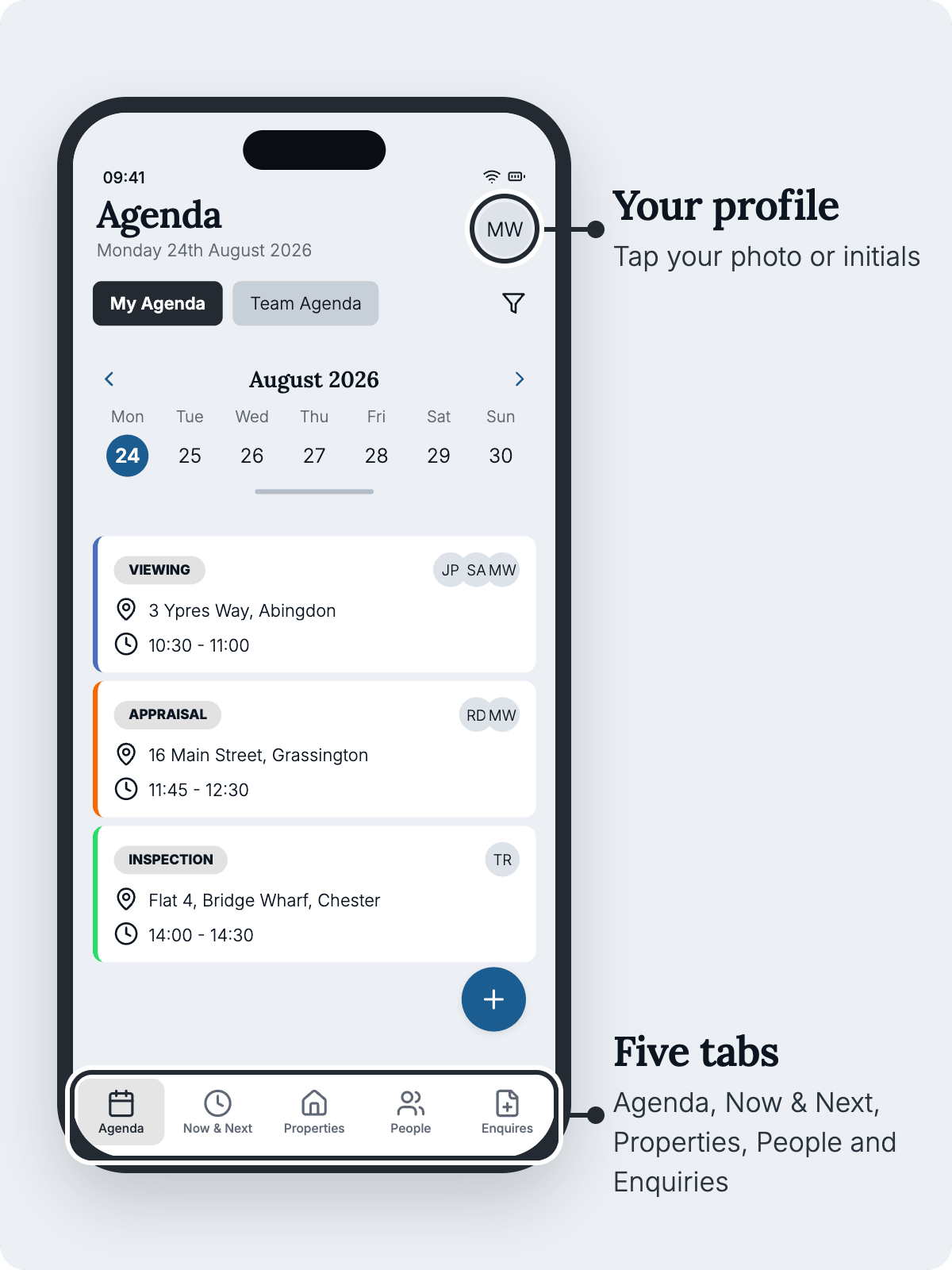
Pocket has five tabs along the bottom of the screen:
Tab | What it's for |
|---|---|
Agenda | Your diary, one day at a time. Add viewings, appraisals, tasks, calls and meetings, and search for people and properties. |
Now & Next | What's happening now, what's coming up today, and what you've already done. |
Properties | Your agency's sales and lettings properties. |
People | Buyers, sellers, renters and landlords. |
Enquiries | New seller, buyer and renter enquiries from the property portals, your website and other sources. |
Your profile, your colleagues' contact details and the app settings are on the Agenda tab. Tap your photo or initials in the top right.
Sales and lettings
To see lettings properties, renters and landlords, and to book lettings viewings and appraisals, your Loop user needs the Lettings role. If you work in lettings and can't see them, ask your agency's Loop administrator.
What still needs Loop on a computer
Pocket is a companion to Loop, not a replacement. Some jobs still need Loop on a computer. These include changing a property's status or price, accepting an offer, and editing a person's details. See What you can and can't do in Loop Pocket for the full list.
Where to go next
Was this article helpful?
That’s Great!
Thank you for your feedback
Sorry! We couldn't be helpful
Thank you for your feedback
Feedback sent
We appreciate your effort and will try to fix the article