What is this button?
This is a high-compatibility CTA (Call to Action) designed specifically for HTML emails. Rather than sending a client to a website contact form, this button launches a WhatsApp conversation with your team instantly.
Why this specific code?
Most email buttons "break" in Microsoft Outlook because it uses an older rendering system. This code uses VML (Vector Markup Language) - a special set of instructions that tells Outlook to draw the button shape correctly, ensuring your branding stays intact whether the client is using a smartphone or an office PC.
The Code Snippet
Copy and paste this into the HTML or Code View of your email editor:
HTML
<div style="margin: 20px 0;"><a href="https://wa.me/YOURNUMBER?text=I%20would%20like%20to%20enquire%20about..."
style="background-color:#25D366;border-radius:4px;color:#ffffff;display:inline-block;font-family:sans-serif;font-size:16px;font-weight:bold;line-height:45px;text-align:center;text-decoration:none;width:200px;-webkit-text-size-adjust:none;">Chat on WhatsApp</a>
</div>
How to customise and use it:
Format your number: Locate YOURNUMBER in the code above (it appears in two places). Replace it with your full business number. Use the international format but omit the + or any spaces.
Example (UK): Use 447700900000 (not 07700 or +44).
Pre-fill the message: You can choose what the message says when the user opens the chat. Use %20 for spaces between words.
Example: ?text=Please%20contact%20me%20regarding%20my%20enquiry
Deploying in your CRM:
Open the email templates within Loop: https://app.loop.software/settings/email-templates.
Switch to HTML mode (click Source).
Paste the code into your desired position.
Save.
This is how it should then look: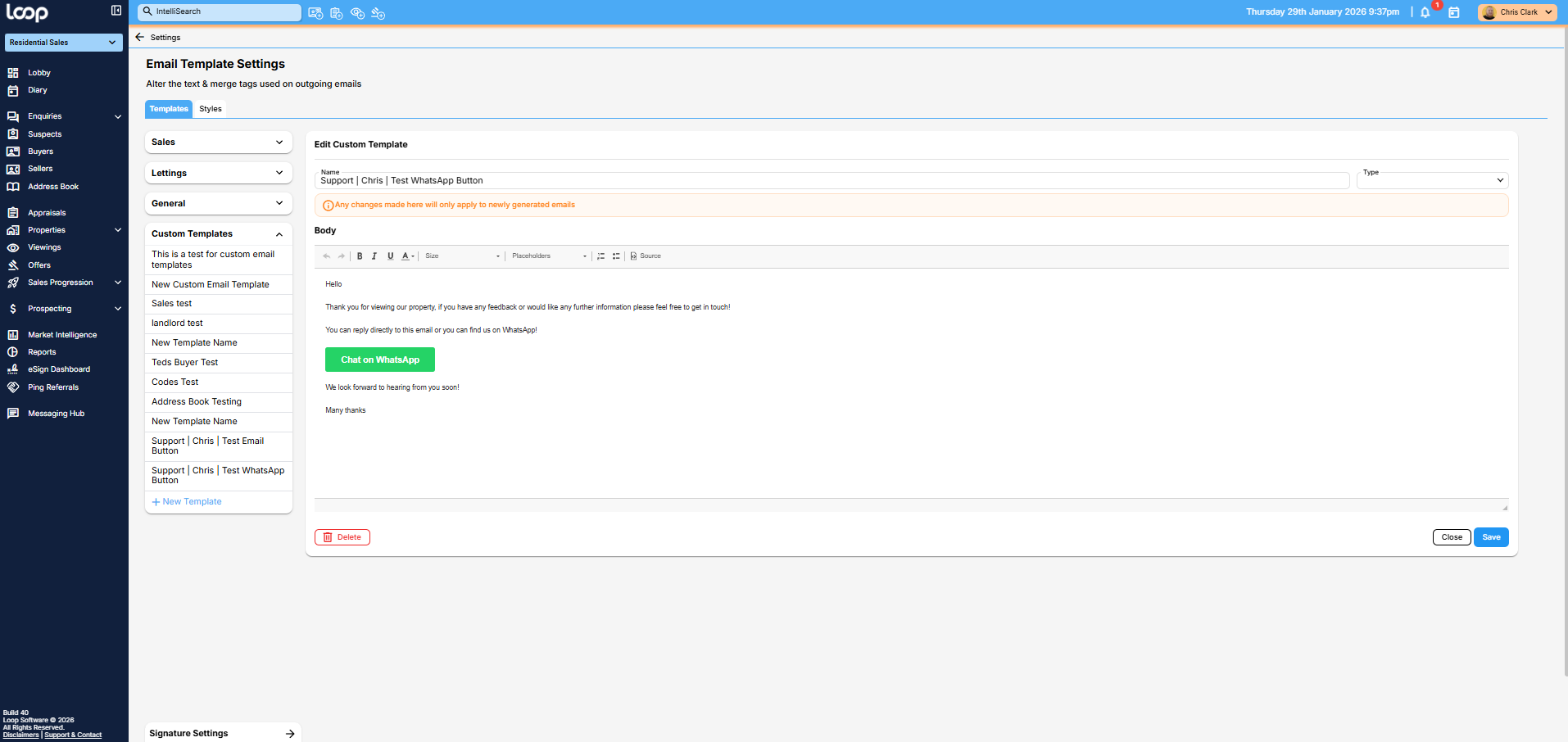
If you have any issues with this please reach out.
Was this article helpful?
That’s Great!
Thank you for your feedback
Sorry! We couldn't be helpful
Thank you for your feedback
Feedback sent
We appreciate your effort and will try to fix the article